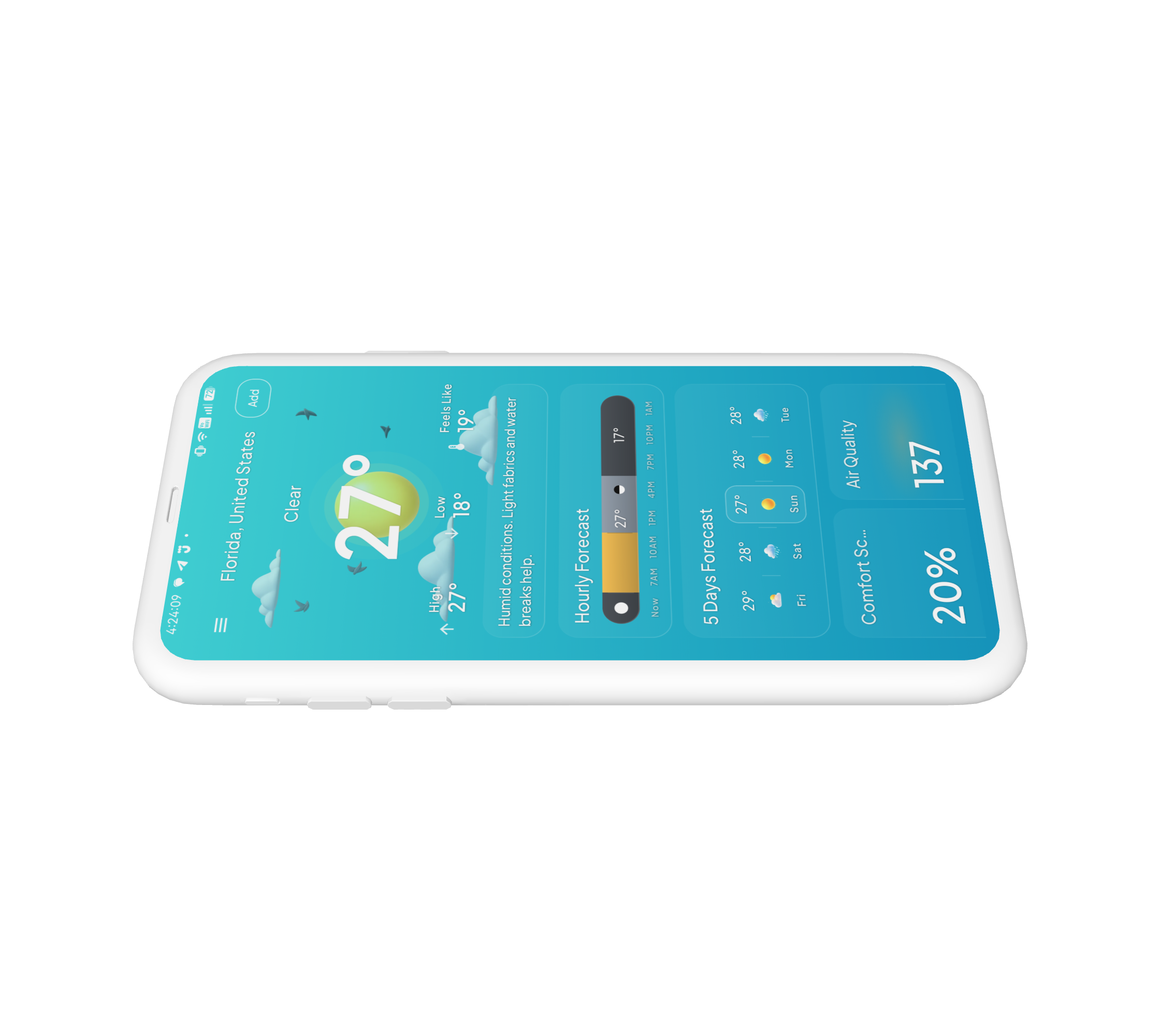
Neither a dashboard nor a postcard
Weather apps are something people check all the time, but most of them tend to fall into two extremes. They are either packed with data, or simple enough that they start to feel generic.
I wanted to explore a different direction. What if checking the weather could tell you more than just the temperature and chance of rain? What if the interface could help you understand what the day actually feels like?
I started this as a vibe-coding experiment around weather visualization. As I built it, the project became less about making a pretty weather screen and more about exploring how forecast data could be turned into something people could actually use.
That led to a simple question: How can a weather app help me understand my day, rather than just tell me the weather?
31°C, 70% humidity. So what?
Weather data is already everywhere. The harder part is making sense of it.
A forecast might tell you that it is 31°C, 70% humidity, 40% chance of rain, and UV index 8. But those numbers do not immediately tell you whether you should bring an umbrella, whether it is a good time to go outside, or whether your trip will be comfortable.
40% chance of rain
Should I bring an umbrella?
UV index 8
Is this a good time to go outside?
31°C, 70% humidity
Will my trip be comfortable?
Users still have to connect the dots themselves.
So I focused the exploration around three questions:
- Can I understand the day without reading a lot of numbers?
- Can the visuals help me understand the conditions instead of just making the UI look nice?
- Can the app turn forecast data into something useful for everyday decisions?
Looking at existing weather apps
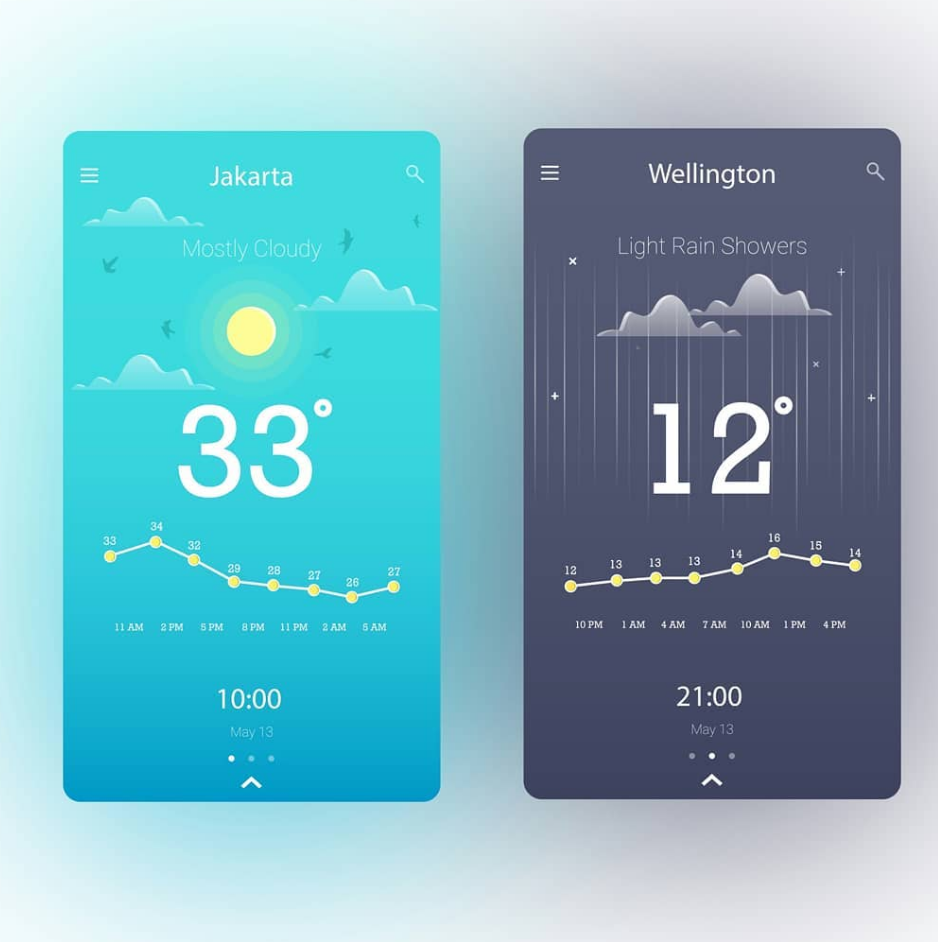
I looked at a mix of weather products, from highly detailed tools like Windy to simpler and more visual apps like Weawow. The differences were useful because they showed a recurring trade-off.
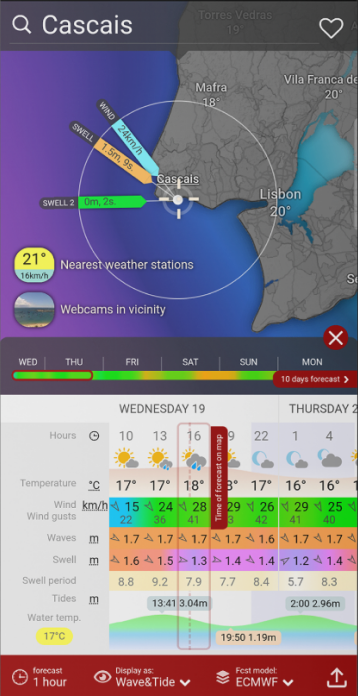
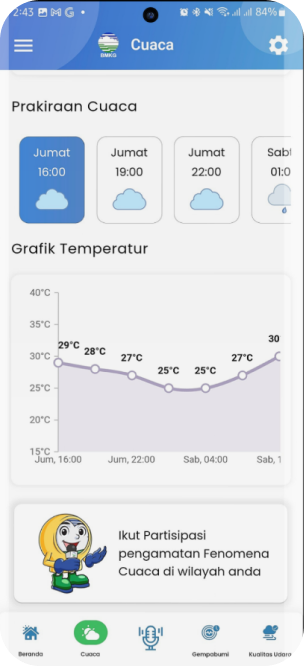
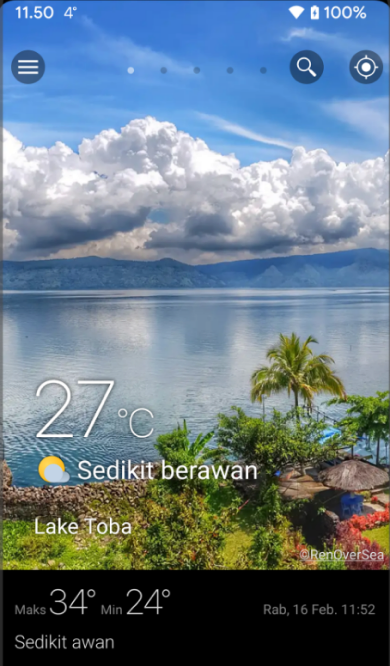
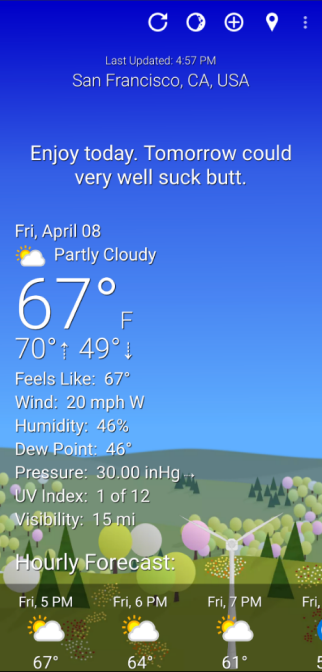
More information gives users more control, but also makes the interface harder to scan.
Simpler interfaces are easier to understand, but can become generic or leave users to interpret the data themselves.
This became the space I wanted to explore: Keep the information, but make it easier to understand.
Small frictions, repeated daily
Weather is a high-frequency use case. People check it before commuting, travelling, exercising, going outside, or deciding what to wear.
Because of that, small usability problems repeat over and over:
- Too much information slows down scanning.
- Weak hierarchy makes important information harder to find.
- Generic visuals make the experience forgettable.
- Raw numbers leave users to interpret the forecast themselves.
The opportunity was not to build another weather app with more features. It was to make the information easier to understand.
Four bets

Understand the day at a glance
The first screen should answer a simple question: what kind of day is this? Temperature and forecast information still matter, but users should not have to piece everything together themselves.

Make weather feel like weather
The interface should respond to the actual conditions outside. Sunny, cloudy, rainy, and stormy states should each have their own visual character without getting in the way of the information.

Give users useful context
Instead of stopping at “40% chance of rain,” help answer questions like: Should I bring an umbrella? Is this a good time to go outside? What should I expect during my trip?

Leave room to grow
The system needed to work beyond the home screen, so future ideas like weather warnings, trip planning, and contextual recommendations could fit naturally into the product.
Mood, hierarchy, then advice
I treated the project as an ongoing exploration rather than deciding on the final UI upfront. Most of the work fell into three areas.
1. Finding a visual language for weather
Sunny 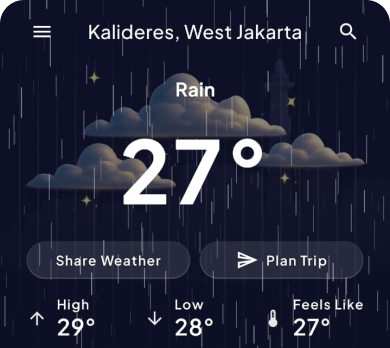
Thunderstorm 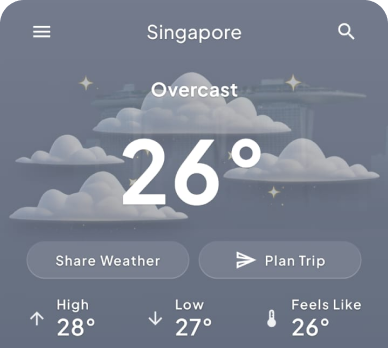
Overcast 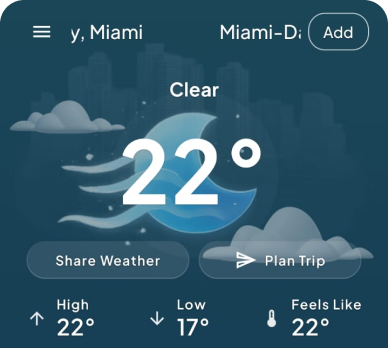
Few clouds 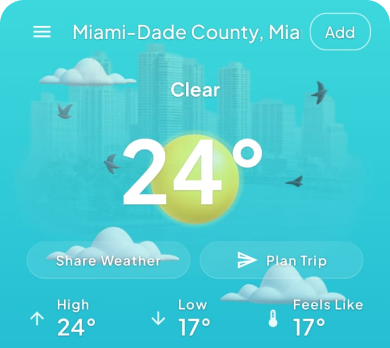
Clear sky
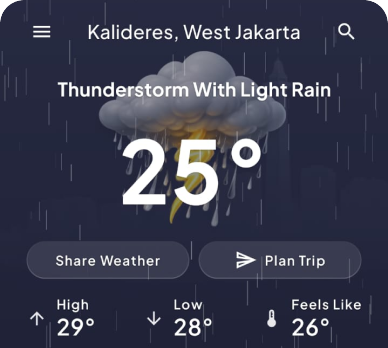
I explored different moods for sunny, thunderstorm, overcast, few clouds, and clear sky states. The challenge was finding the point where the visuals added something without taking over the interface.
A sunny screen should feel bright, but not make the information harder to read. A thunderstorm could feel dramatic, but should not turn into a visual effect competing with the forecast. Eventually, I treated the weather visuals as part of the information hierarchy rather than decoration.
The weather should set the mood. The data should still do the talking.
2. Figuring out what deserves attention
Weather apps have a lot of information available: temperature, feels like, hourly forecast, daily forecast, humidity, UV, wind, precipitation, sunrise, sunset, warnings, and more. The easy solution is to show all of it. That is also how a weather app becomes difficult to use.
I explored different layouts to understand what users should see first and what could wait until they needed it.
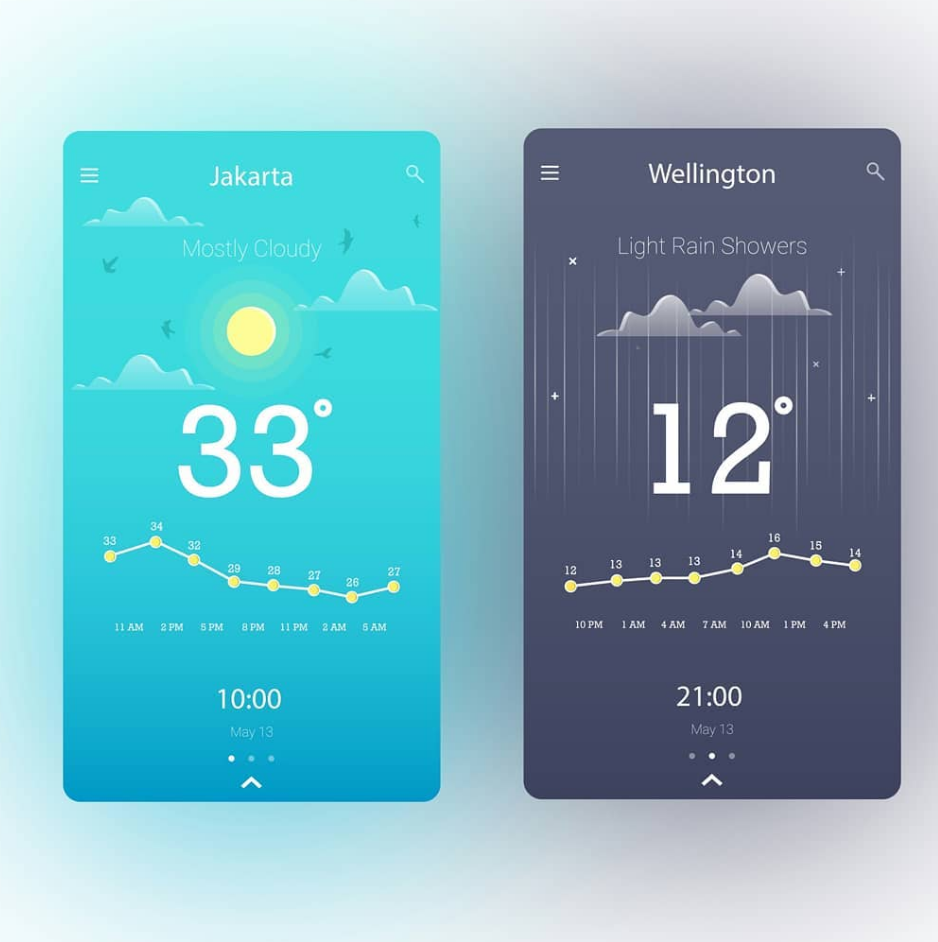
- 1Current conditions
- 2What happens next
- 3Daily forecast
- 4Supporting details
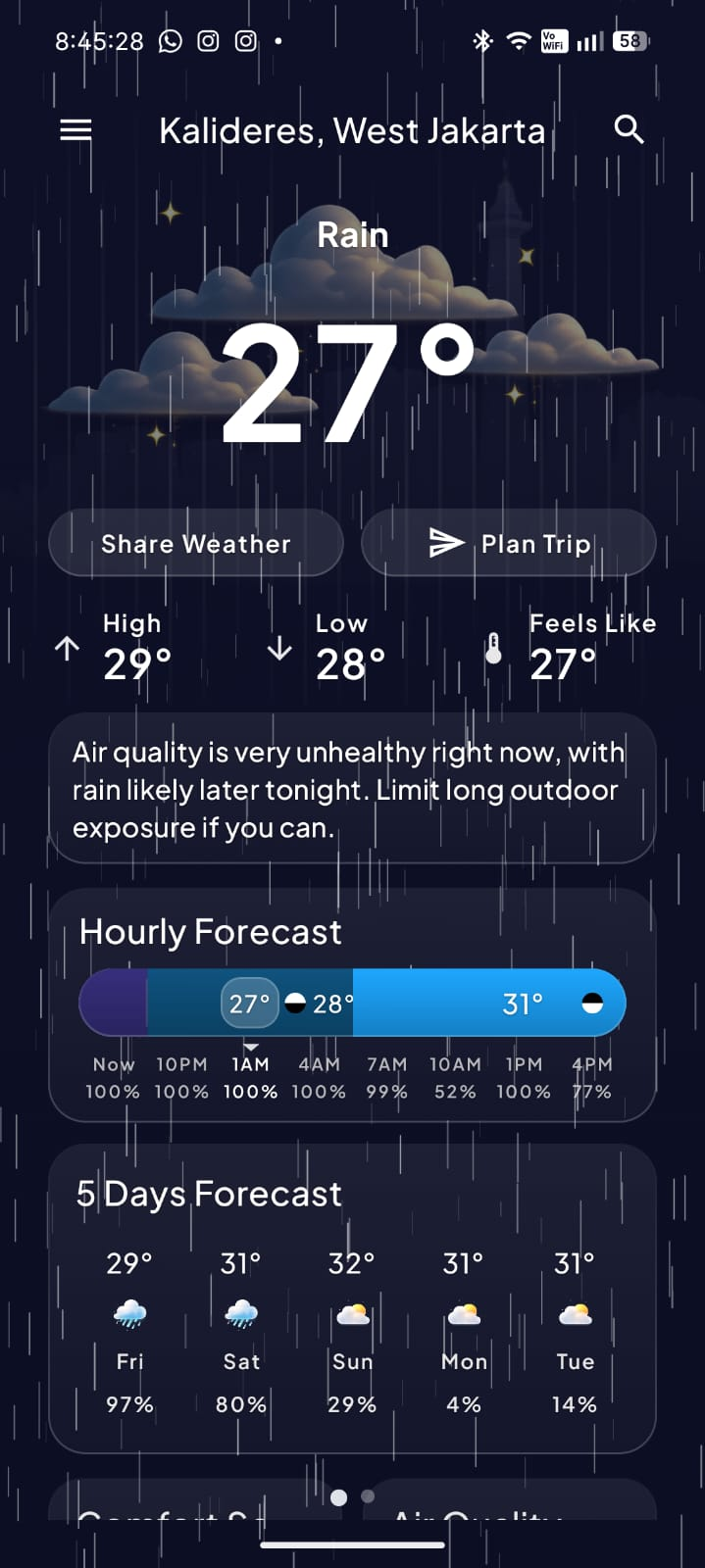
This gave the home screen a clear reading order instead of treating every weather metric as equally important.
3. Turning weather data into something useful
The most interesting part of the exploration was moving beyond raw forecast data. I experimented with different ways the app could interpret information:
- Natural-language summaries
- Contextual weather cards
- Activity recommendations
- Trip weather summaries
- Route-aware weather information
- Combining current conditions with upcoming forecasts
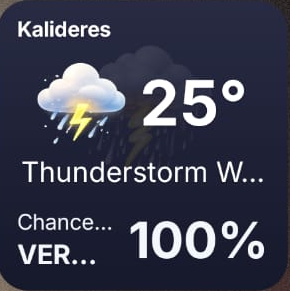
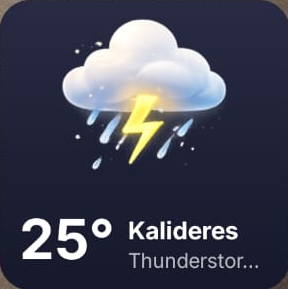
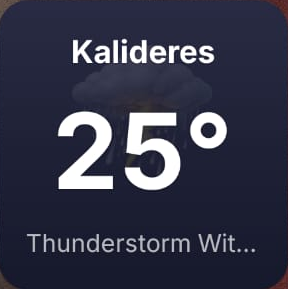
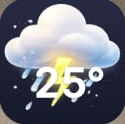
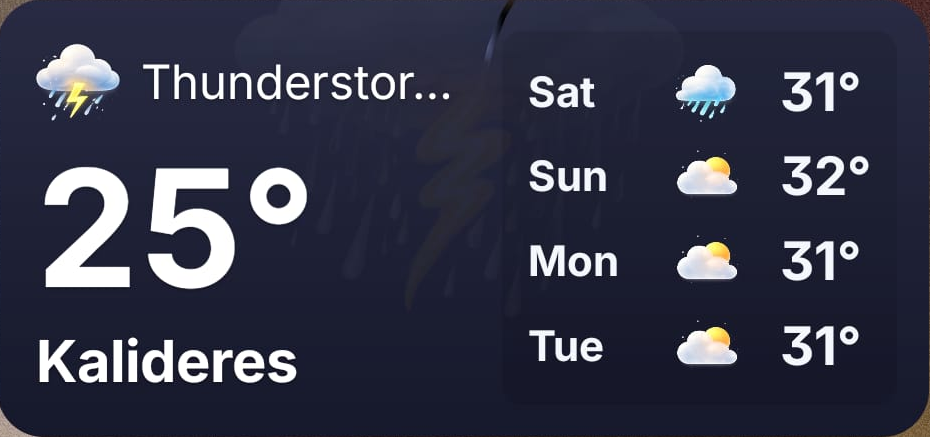
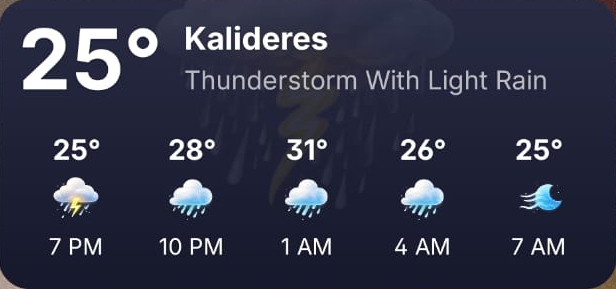
For example, instead of only showing 31°C · 70% humidity · UV 8, the product could explain what those numbers mean for the person using it.
This also exposed an important limitation. Weather APIs do not always have reliable data for every use case, especially when trying to make route-level or highly specific predictions. So the design could not simply pretend that every recommendation was equally reliable.
That meant thinking about when to provide guidance, how confident the system should be, and when it was better to simply show the underlying forecast.
The app that shipped
The shipped app keeps one reading order: current conditions, what happens next, daily forecast, then supporting details. The visuals respond to the conditions without competing with the data.
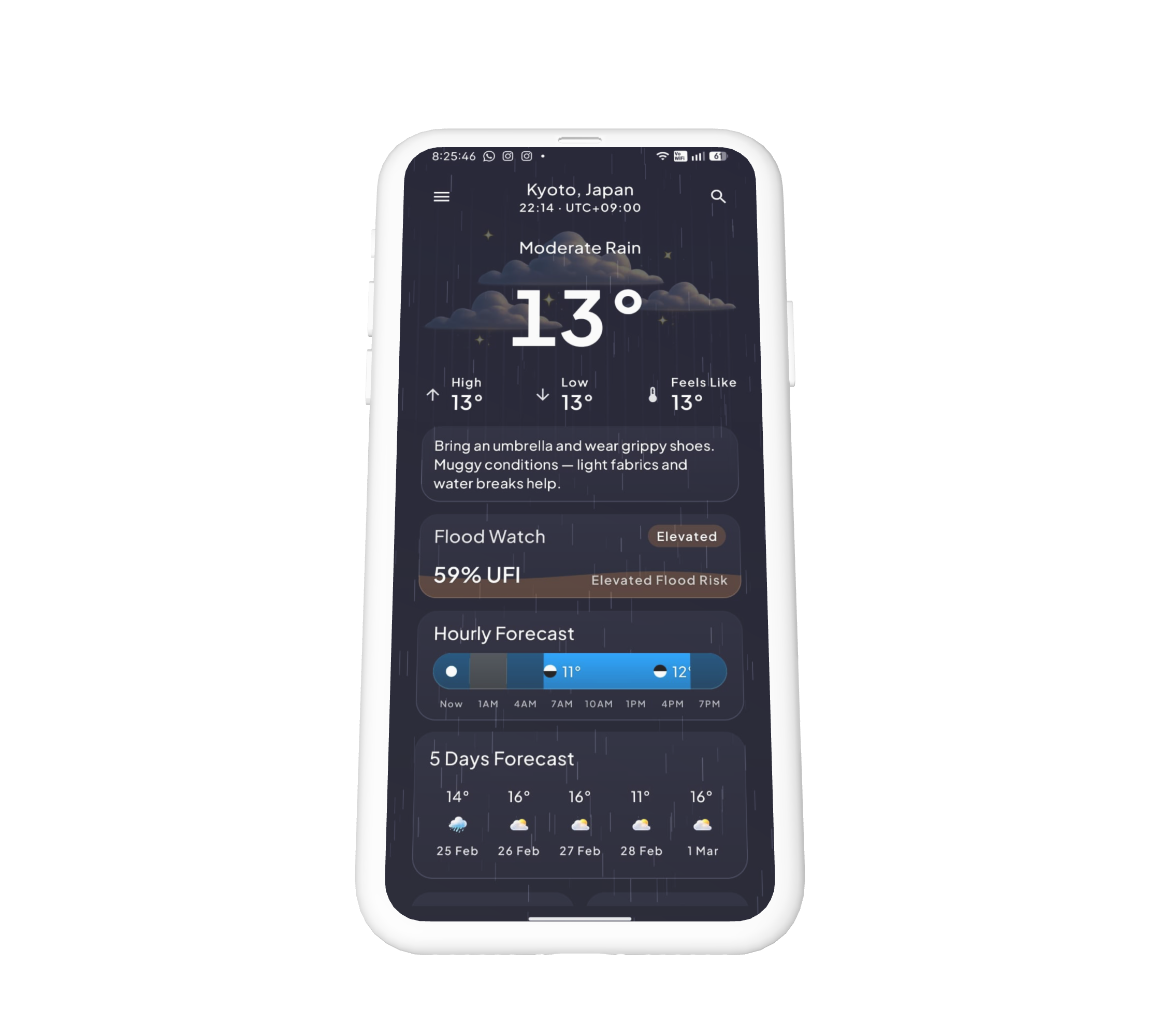
- Atmospheric UIEach condition has its own visual character, subtle enough that the same information stays readable.
- Context-aware home screenAnswers what is happening now, what it will feel like, and what to expect next, with temperature as the anchor.
- Contextual assistanceTurns forecast data into practical suggestions, grounded in what the app actually knows.
- Clear forecast hierarchyCurrent, hourly, daily, then UV, wind, and humidity. The first view stays scannable without hiding depth.
Trip weather Route and destination context instead of checking each location separately. Reached from Plan Trip; not on this screen.
Shipped solo, tested by thirty
- Downloads
- 500+
- Rating
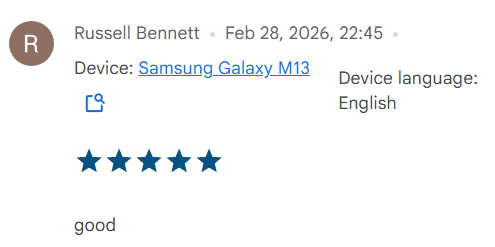
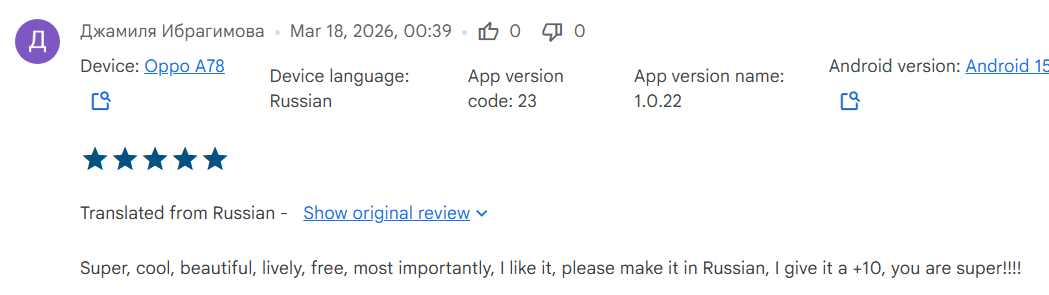
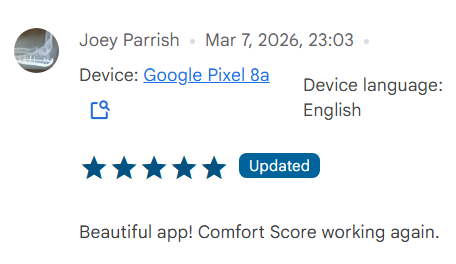
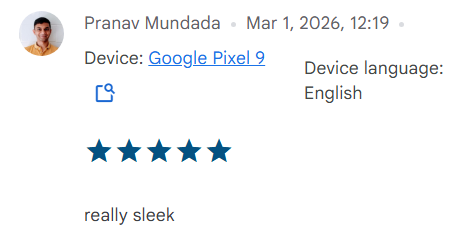
- 5.0 from 16 reviews
- Closed test
- ~30 testers: ~10 friends, ~20 online
- Last updated
- Jun 2026
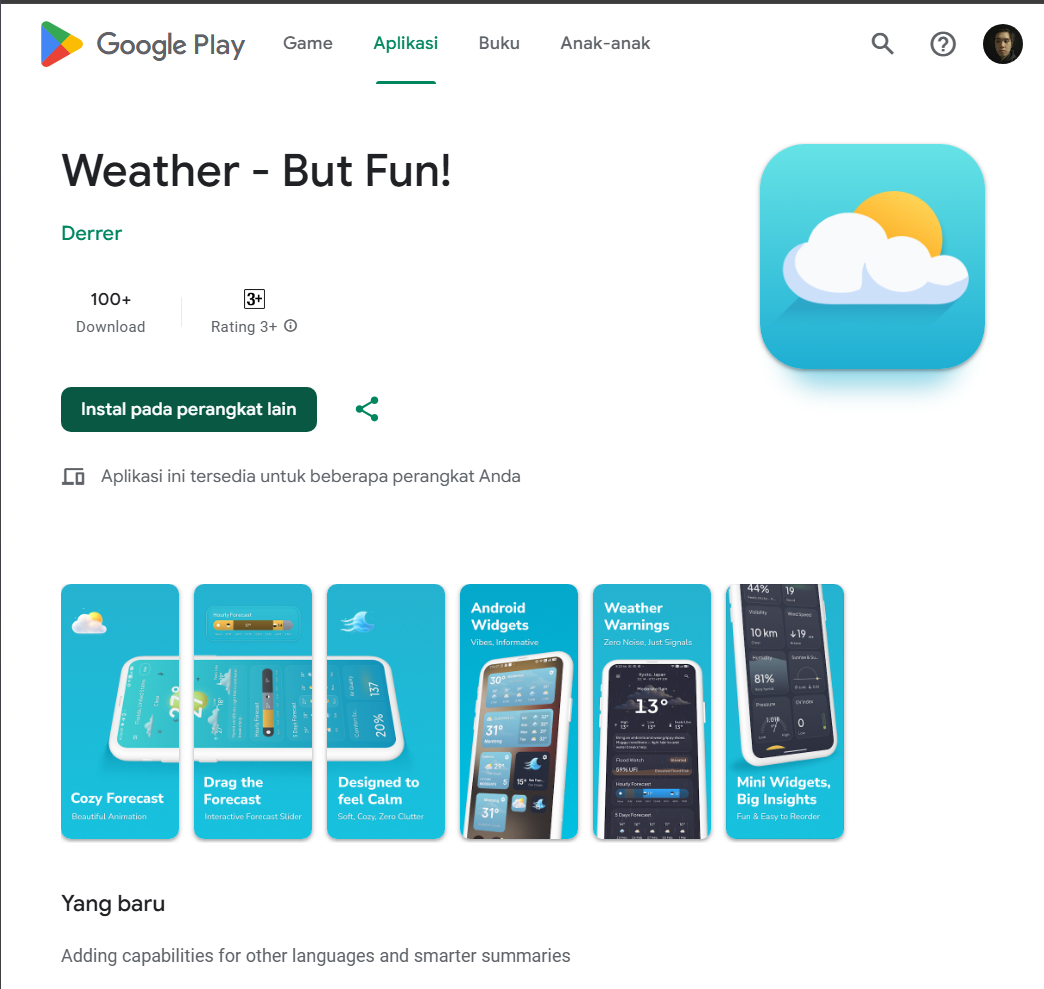
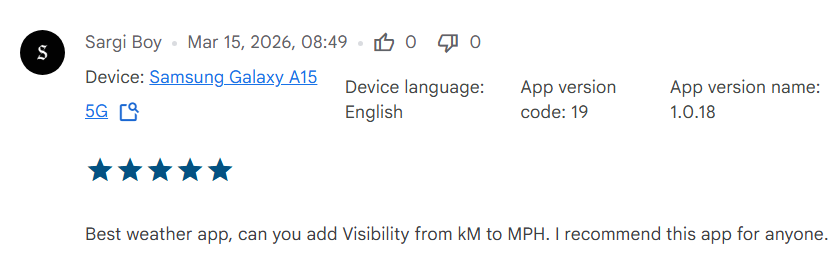
Shipped solo to the Play Store as a vibe-coded Android app. At the time of writing: 500+ downloads, 5.0 from 16 reviews, last updated Jun 2026. Early numbers, small sample: the useful signal so far came from testing, not the store rating.
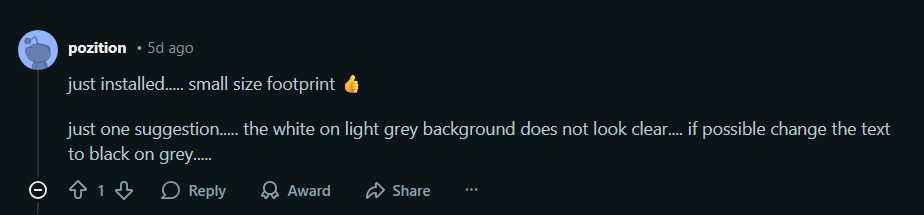
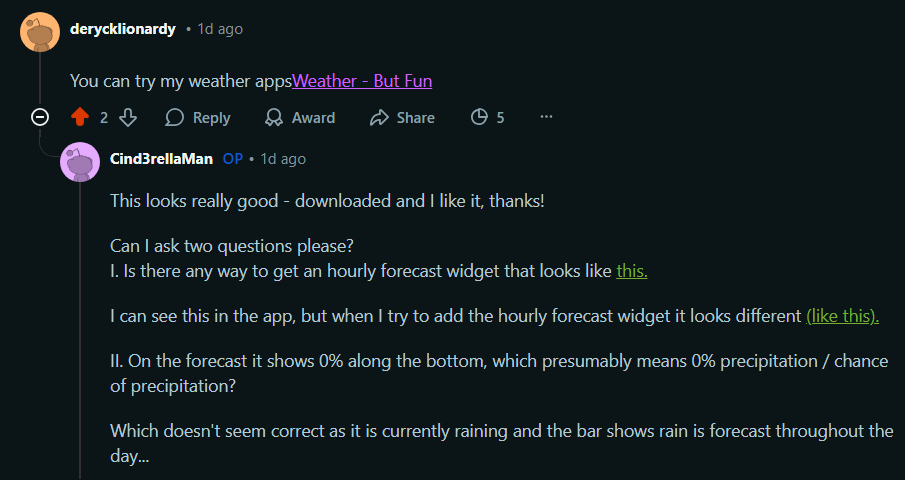
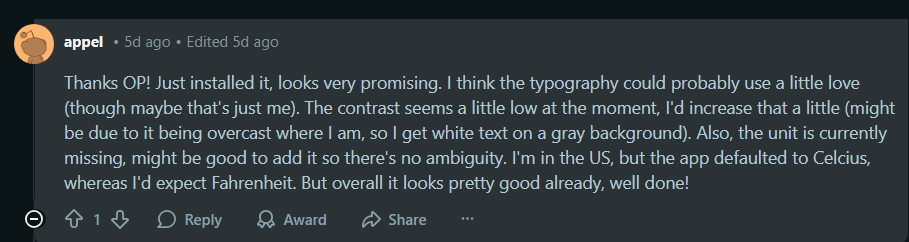
Release required a closed test: about 10 friends plus about 20 online testers, roughly the 30 Play asks for. That round caught the unglamorous things that decide whether an app feels finished:
- Overlays now close by tapping outside.
- Forecast rows rewritten to show the more useful fields first.
- Language handling for mixed-locale devices.
- Loading states so a slow fetch never looks like an empty screen.
- GPS state when searching with location on: the search keeps the located city instead of dropping it.
The pattern across tester notes: nobody asked for more data. They asked for fewer dead ends: every fix above is a state the first build left unhandled.

What the testers taught me
The project started as a visual experiment. It ended up teaching me more about information hierarchy than visual design.
A weather app can have beautiful illustrations, animations, and atmospheric effects, but none of that matters if users still have to work to understand what the forecast means.
- Delight works when it helps people understand something. The weather visuals became more useful when they reflected the actual condition instead of simply making the screen more interesting.
- More data does not automatically mean more useful information. The important part is deciding what deserves attention first.
- Context is where weather becomes useful. Temperature and precipitation are data. Helping someone decide whether to bring an umbrella is a product experience.
- Trust matters when the product starts making recommendations. The more the app interprets weather for the user, the more careful it needs to be about confidence and accuracy.
Most importantly, this project reminded me that even a familiar product category can be interesting to redesign.
What is next
Two threads from the Goals section are still open: weather warnings and trip planning. Both need the same thing the first release deliberately avoided: acting on uncertain data. The next step is deciding when the app should speak up, and when it should stay quiet and show the forecast.