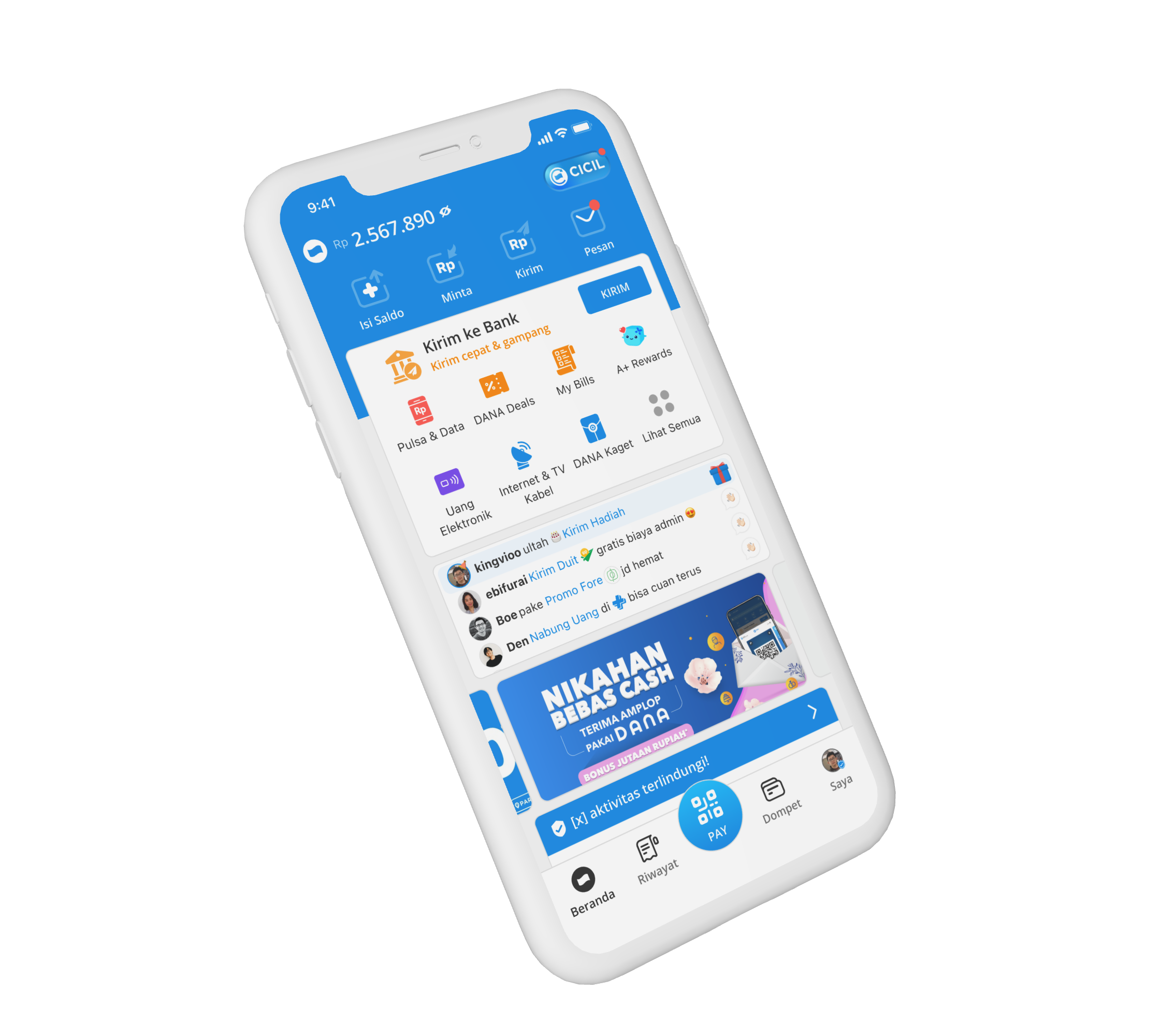
A shortcut screen doing too much
Home is the screen everyone passes through to get anywhere else in DANA. It started as a simple shortcut screen: tap an icon, land on a service. That was fine when DANA did a handful of things. It stopped being enough once DANA became five, ten, twenty things at once.
New products needed visibility. Important services needed to be easier to find. Wallet needed a more prominent place. And users needed clearer signals that their money and account were secure.
The main opportunities were:
- ServicesEasier to find and tap
- New productsIntroduced without overwhelming Home
- WalletA more visible role
- TrustSecurity closer to where users are
- FoundationRoom for more services over time
The important part: we couldn’t solve any of this with one big redesign. Home was already a habit for millions of people. So I focused on evolving it, not replacing it.
Millions knew it by muscle memory
When I worked on Home, the challenge was never simply to redesign the screen. Millions of people already knew it by muscle memory, so changing too much at once could turn an everyday task into a moment of doubt.
At the same time, DANA was adding more services, products, and security features. Home needed to make room for those changes without becoming harder to use.
The question became: How do we keep Home familiar while making it more useful as DANA grows?
Five moves, one familiar home
The transition from Home V1 to V2 was intentionally gradual. Rather than replacing the whole interface, we changed individual parts where there was a clear reason to do so.
This allowed us to improve the experience while keeping the overall structure familiar. That approach became the foundation for several initiatives across Home.
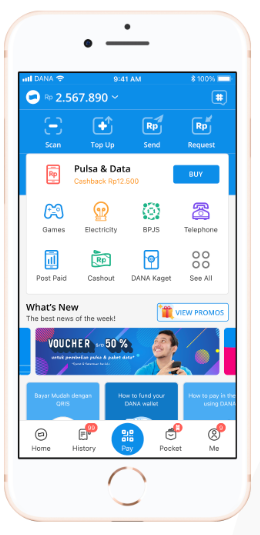
Home V1
- Header and quick actionsKept
- Service iconsOutline to filled
- Below the gridRoom for new surfaces
- Tab barWallet joins
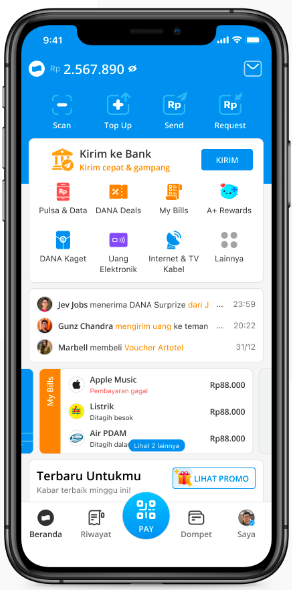
Home V2
Making Services Easier to Find
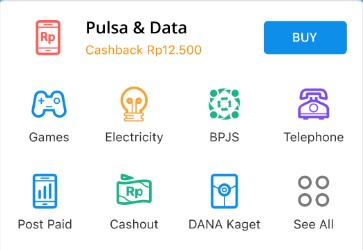
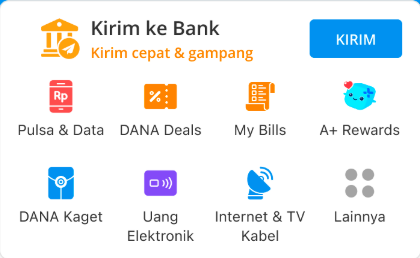
Median time to reach the Pulsa & Data landing page
One of the smaller changes had a surprisingly noticeable effect. We changed the service icons from the older outline treatment to a fuller, filled style.
The change was not about making the icons look more modern. It was about making them easier to recognize and tap when scanning the Home screen.
Pulsa & Data was one example. The median time to reach the landing page dropped from 20 seconds with the old icon style to 7 seconds with the new one. That is roughly 65% faster.
20s → 7s to reach Pulsa & Data, ~65% faster
It was a small change, but Home gets tapped so often that small improvements compound fast.
Moving Wallet Into the Main Experience
Before
- Home
- DANA Balance, right side
- Wallet
After
- Tab bar
- Wallet
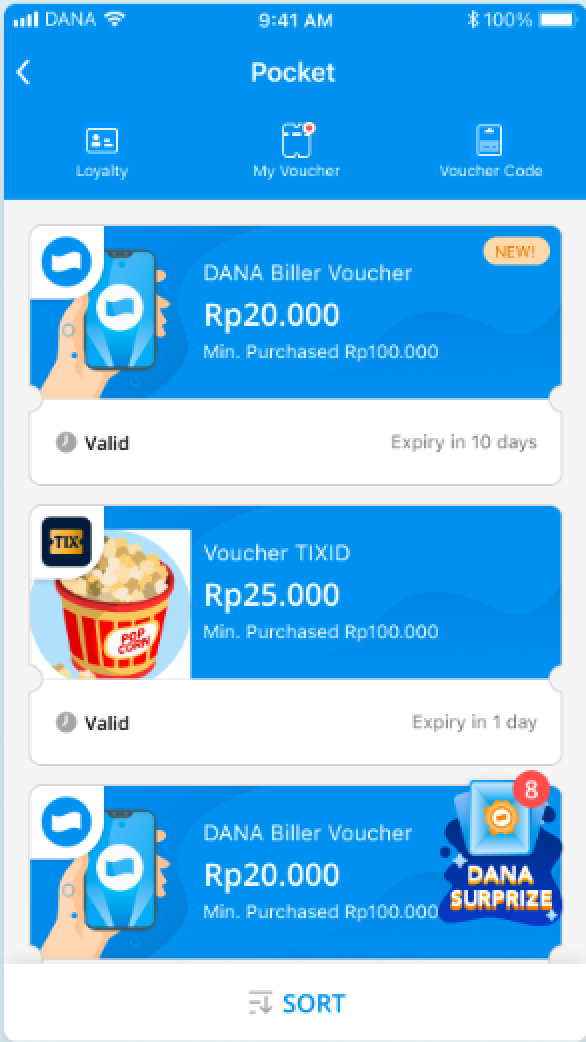
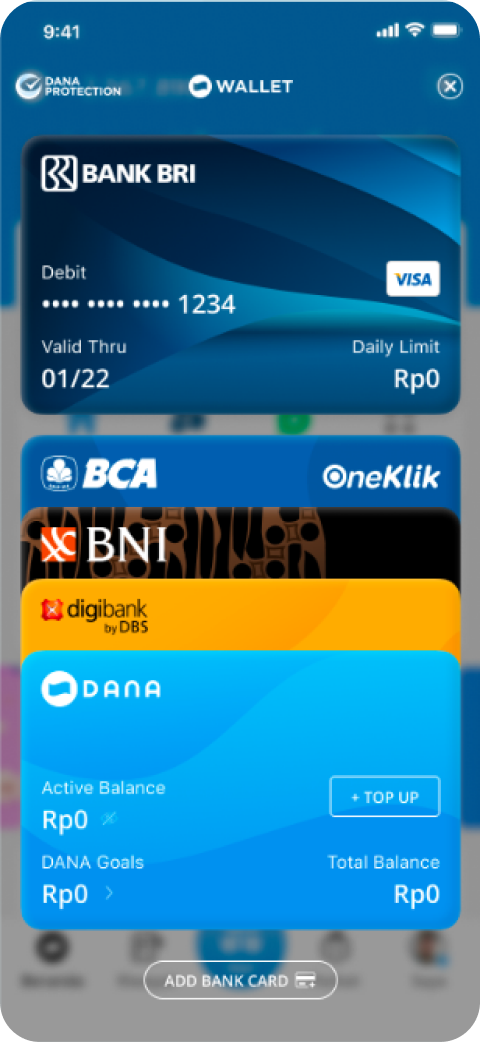
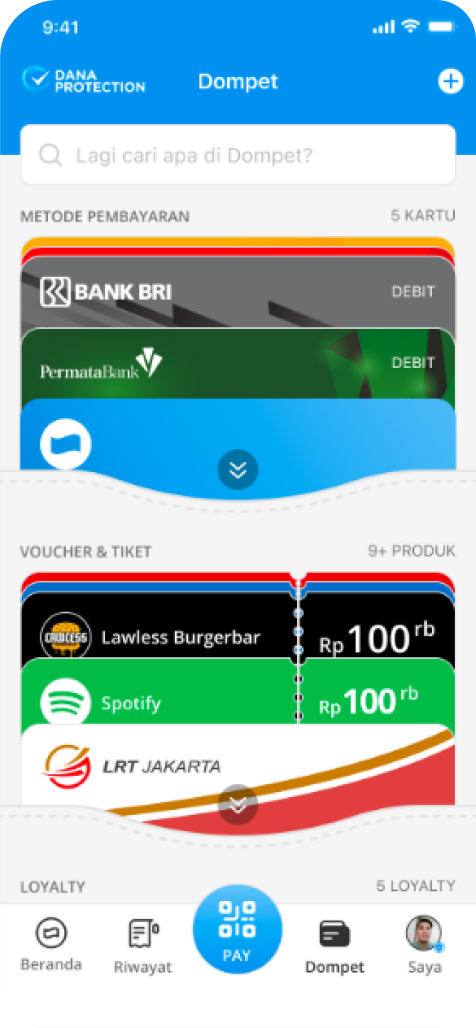
At the time, Wallet was accessed from the DANA Balance area. As Wallet expanded to include more than payment methods, that entry point started to feel too hidden.
I worked on Wallet V3 around the idea of making it a place where users could see and manage more of the things they had in DANA. That included payment methods and vouchers, with room for other types of assets such as investments, loyalty, and digital items.
One of the changes was moving the Wallet entry point from the right side of DANA Balance into the tab bar. The change was simple: Wallet went from something users could discover to something users could directly access.
Wallet reached an all-time high of 17.8M users during this period, up from 8.52M in January 2023, alongside the increased visibility.
8.52M → 17.8M Wallet users, all-time high
Where a product lives in the navigation can influence how people think about its importance.
Giving New Products a Place on Home
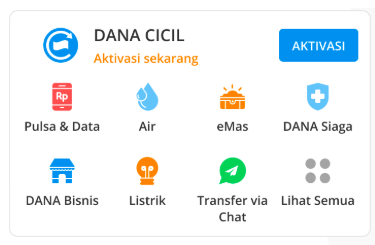
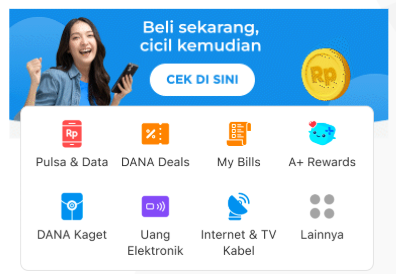
DANA CICIL had another problem. It needed exposure, especially among users who had not registered for it yet. The existing All Services area was not enough to give the product a strong first impression.
I explored a more prominent Home surface called Highlight of the Week. The idea was simple: instead of treating every service as another icon, Home could occasionally give more attention to a product that needed discovery.
Click-through improved from 10.88% to 17.16%, a 6.28 percentage point increase. We continued testing the messaging, including different ways of explaining DANA CICIL, highlighting merchants, and focusing on specific use cases.
10.88% → 17.16% click-through, +6.28 pts
Home started doing more than helping users navigate. It could also introduce something users didn’t know about yet.
Trust: moves 4 and 5
Putting Security Where Users Can See It
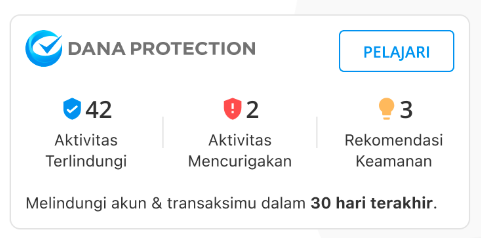
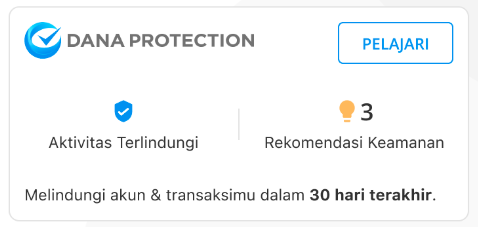
Home also became a place to address a different kind of problem: trust. Users were increasingly exposed to scams, suspicious activity, and account takeover concerns. Some users did not know what to do when something suspicious happened to their account.
I worked on DANA Protection as a way to make security information easier to access. The Protection widget and hub allowed users to:
- review secured activities
- check suspicious activity
- get recommendations for improving account security
- review activity related to potential account takeover
The goal was not to add another security feature somewhere inside the settings. It was to make security feel like something users could actually see and understand.
Trust made visible on Home
Security should not only exist in the system. Users should be able to see that the system is protecting them.
Addressing Misinformation With Context


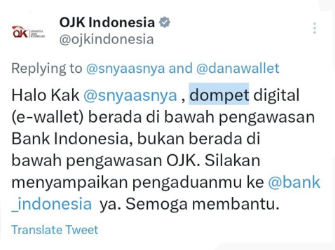


Another problem came from outside the product. There was misinformation circulating on social media about whether DANA was monitored by regulators. Some users were unsure about the relationship between DANA and Indonesian regulators.
Instead of relying only on social media responses, I explored how we could provide the information directly within the product experience. We added contextual messaging through a footmark that explained DANA’s regulatory oversight by Bank Indonesia and Kominfo.
This was a small intervention, but I found it interesting because the design problem was not really a UI problem. It was a trust problem.
Trust answered inside the product
The product could help answer the question at the moment users encountered it, rather than asking them to leave the app and search for the answer themselves.